Social Share Buttons Performance Test Results
UPDATE: There is an all new case study released on 2/18/19 with more speed, Pinterest, and Google PageSpeed Insight scores on the most up-to-date social share button plugins.
See the post Social Share Buttons – Site Performance and Security Killers for a full description of these test results, and why the plugins are rated as they are in the spreadsheet below. Plus, you’ll see the top picks and why they were chosen.
How does your social share button plugin stack up?
The Google Drive spreadsheet below shows test results of 12 popular plugins. The test parameters were:
- load times
- size in bytes
- number and types of requests
The initial test, without buttons, is shown for reference.
Total page load times are shown under the green header columns.
Requests in addition to the standard ones in the initial test, are shown in the rose header columns.
External requests, besides the standard ones for JS (JavaScript) and CSS (style sheet) files are shown in the lavendar header column.
The top pick is shown in the gold row.
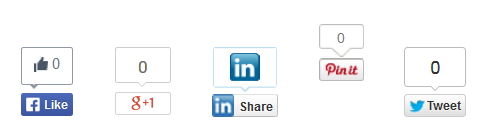
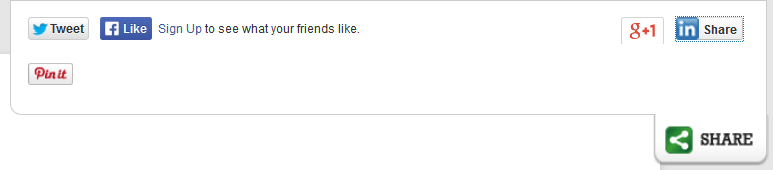
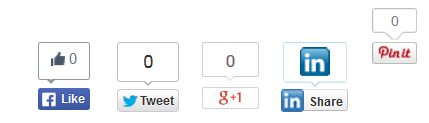
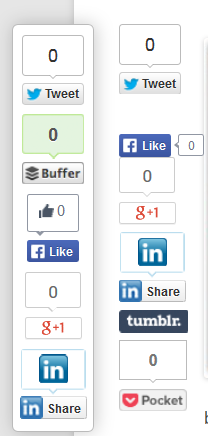
Screenshots of how the buttons appeared on the test site are below the spreadsheet.
Be sure to scroll right at the bottom of the spreadsheet to see the full test results, including the External Requests.
Screenshots
The plugins were configured as simply as possible. If no counters are shown, that doesn’t mean that they are unavailable.
Click the thumbnail to see a full image in a lightbox.
Click your browser’s Back button to return to this page.