
Will the New Chrome Settings Impact Your Ad Revenue?
See how the latest Chrome version may impact your ad revenue.
Chrome just rolled out a new version.
Version 116.0.5845.179 (Official Build) (64-bit)
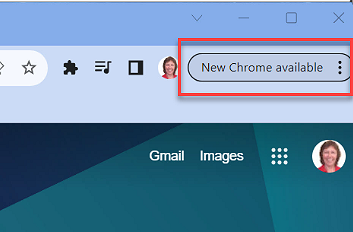
Launch New Chrome
If you see the button above, click it and than Relaunch Chrome so that you will be on the new version.
It may show a pop up box for the new privacy and security settings to some, but not to everyone.
Let’s have a look at those settings.
New Settings
Even if you don’t see the pop up, you can still get to the new settings.
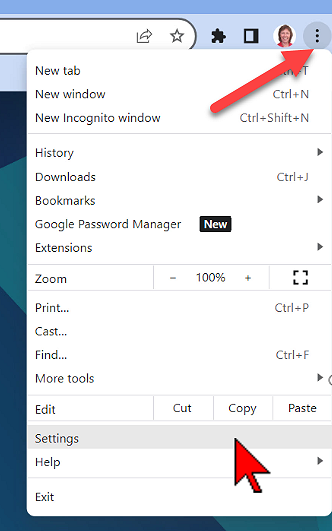
In Chrome, click the More ellipsis.
In the drop-down, go to Settings.
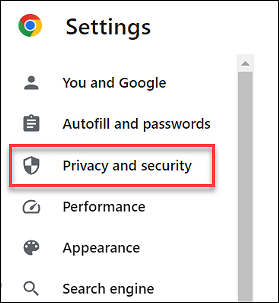
In the left sidebar, click Privacy and security.
Scroll down and click Ad privacy.
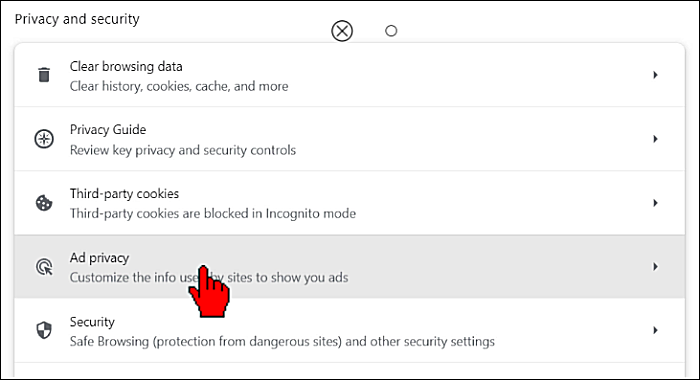
3 Types of tracking
There are 3 types of tracking settings.
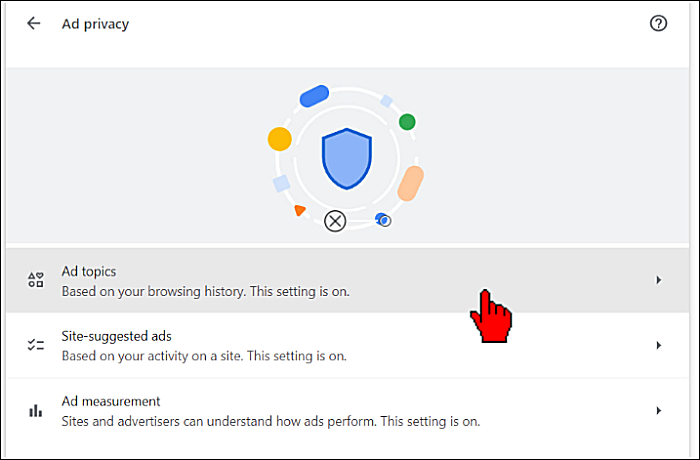
Ad Topics
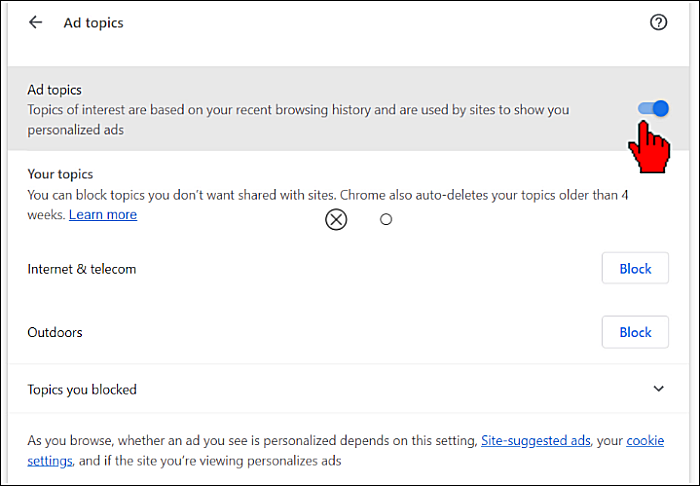
Click Ad topics.
This will affect whether the ad you see while browsing is targeted.
Click the back arrow.
Site-Suggested Ads
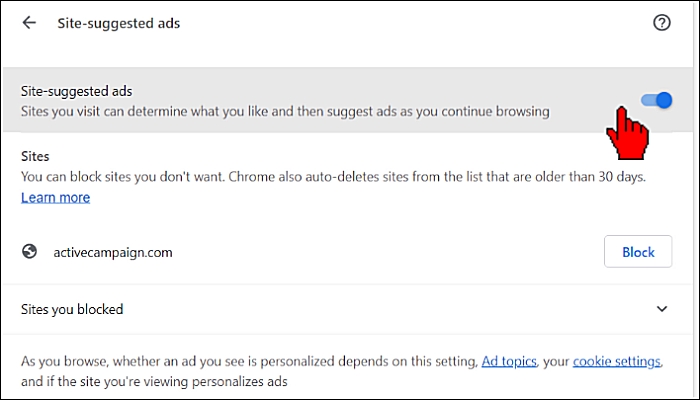
Click site-suggested ads.
This affects the ads you see on individual sites.
Click the back arrow.
Ad Measurement
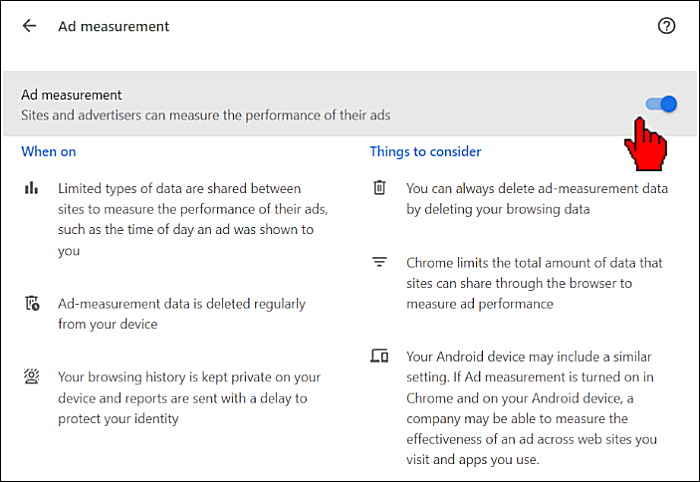
Click Ad measurement.
This allows ad agencies to measure the effectiveness of their ads, including whether it was seen or clicked.
Will it impact your revenue?
Like I mentioned, not everyone will see the pop up with a button to change these settings.
And all of them are on by default.
But I believe that as more folks learn about this that they will go into settings and turn them off.
If you run ads on your site, you will want to check with your ad agency to see how this affects your revenue.

That’s a big opt in process to get ad measurements……unsure if the average user will do all that. Am I reading this wrong?
They are on by default. But my guess is that word will get out and folks will start turning them off.